POS
Cloud-Based POS vs Traditional POS: Which Is Better for Philippine Businesses?
Compare cloud and traditional POS systems across outages, hardware, updates, branches, backups, security, ownership and total cost.
By ZenshoTech Team · Published · Updated
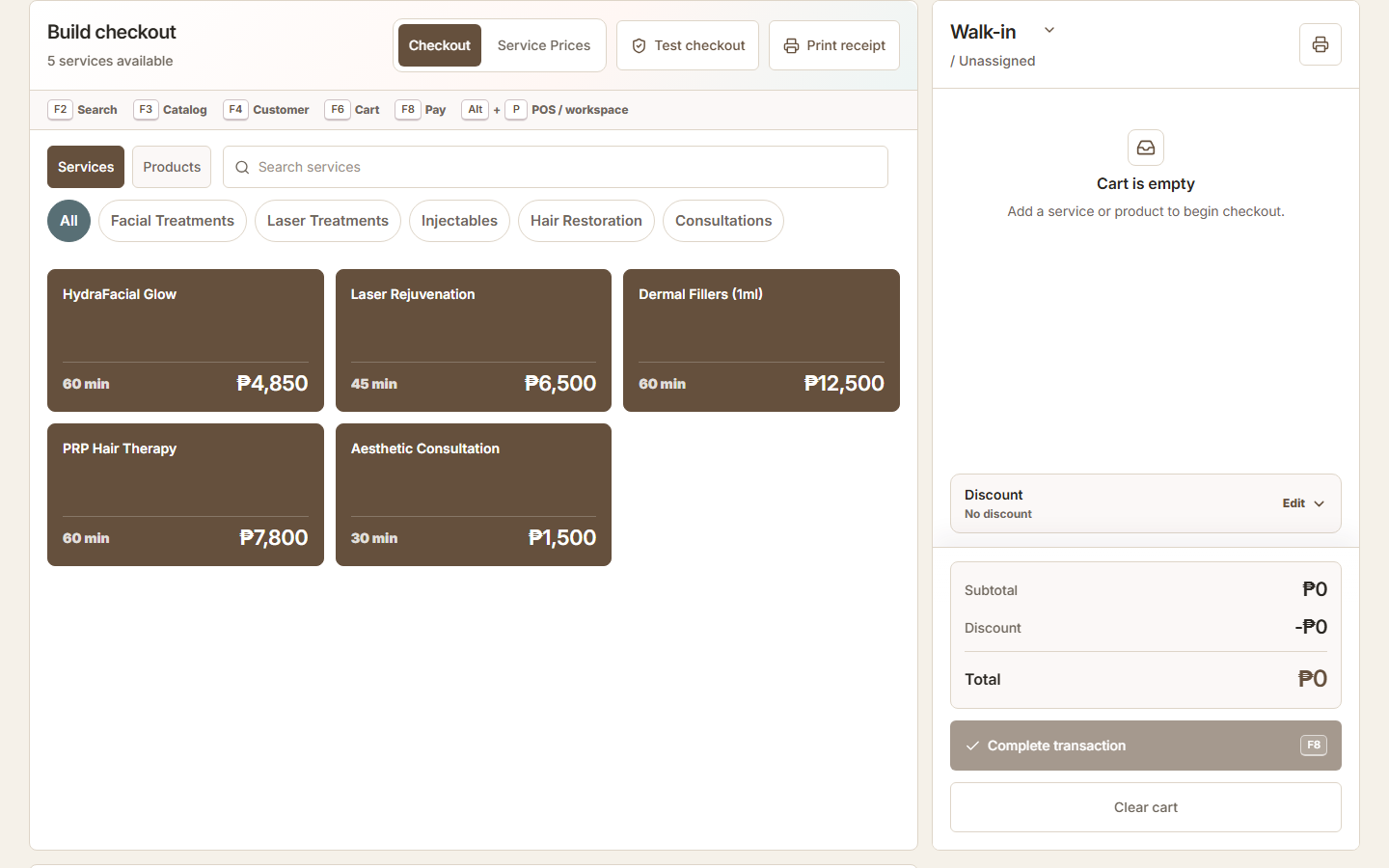
Cloud POS usually stores and manages the application through an online service, while traditional POS is commonly installed and operated on local hardware. The right choice depends on connectivity, branch needs, maintenance capacity, data controls, and the transaction workflow.
Compare operations, not labels
Ask how staff sign in, what devices are supported, how updates happen, what data is cached, and which functions continue without internet. Some cloud systems have offline capabilities; some do not. Some local systems still depend on remote services.
Request a written outage procedure and test it. A verbal promise is not an operating plan.
| Area | Cloud-based tendency | Traditional tendency |
|---|---|---|
| Updates | Provider managed | Local maintenance |
| Remote access | Easier with permissions | May need network setup |
| Branches | Central view often simpler | Consolidation may be manual |
| Backups | Provider plus customer policy | Business often manages locally |
| Outage | Capability varies | Local function may continue |
Plan for Philippine connectivity
Consider the actual connection at each branch, not the advertised city average. Test peak hours, mobile backup, router failure, power interruption, and staff response.
A fallback may include a second connection, supported offline operation, manual continuity procedure, or delaying non-critical actions. Define how records are reconciled afterward to avoid duplicates.
Practical checklist
- Test branch connection
- Identify backup internet
- Protect network equipment
- Document manual fallback
- Assign reconciliation owner
- Test synchronization
Review data and security
Ask where data is hosted, how access is controlled, how backups work, what logs exist, how exports are obtained, and what happens when the contract ends. Local installation is not automatically safer; cloud hosting is not automatically secure.
Use unique accounts, least privilege, strong authentication controls, timely offboarding, and protected devices in either model.
Calculate total cost
Include subscriptions, server or register hardware, networking, backups, support, updates, implementation, migration, branches, users, payment integrations, and internal administration. Compare over a realistic multi-year period.
Confirm regulatory, tax, invoicing, and accreditation obligations independently of architecture.
ZenshoTech is cloud-based
ZenshoTech provides a web-based POS connected to customers, configured services and products, inventory, branches, appointments, and reports.
Businesses should evaluate connectivity continuity, device setup, and exact compliance responsibilities before launch.
Frequently asked questions
Does cloud POS require internet?
Cloud services depend on connectivity, while exact offline behavior varies by product and must be tested.
Is traditional POS cheaper?
Not necessarily after hardware, maintenance, backups, updates, and branch consolidation are included.
Which is better for multiple branches?
Cloud architecture often simplifies authorized cross-location access, but permissions, connectivity, and workflow fit still determine success.