CRM
How to Build a Customer Database That Helps Your Business Grow
Build a clean, permission-aware customer database with useful fields, duplicate controls, consent, ownership and maintenance routines.
By ZenshoTech Team · Published · Updated
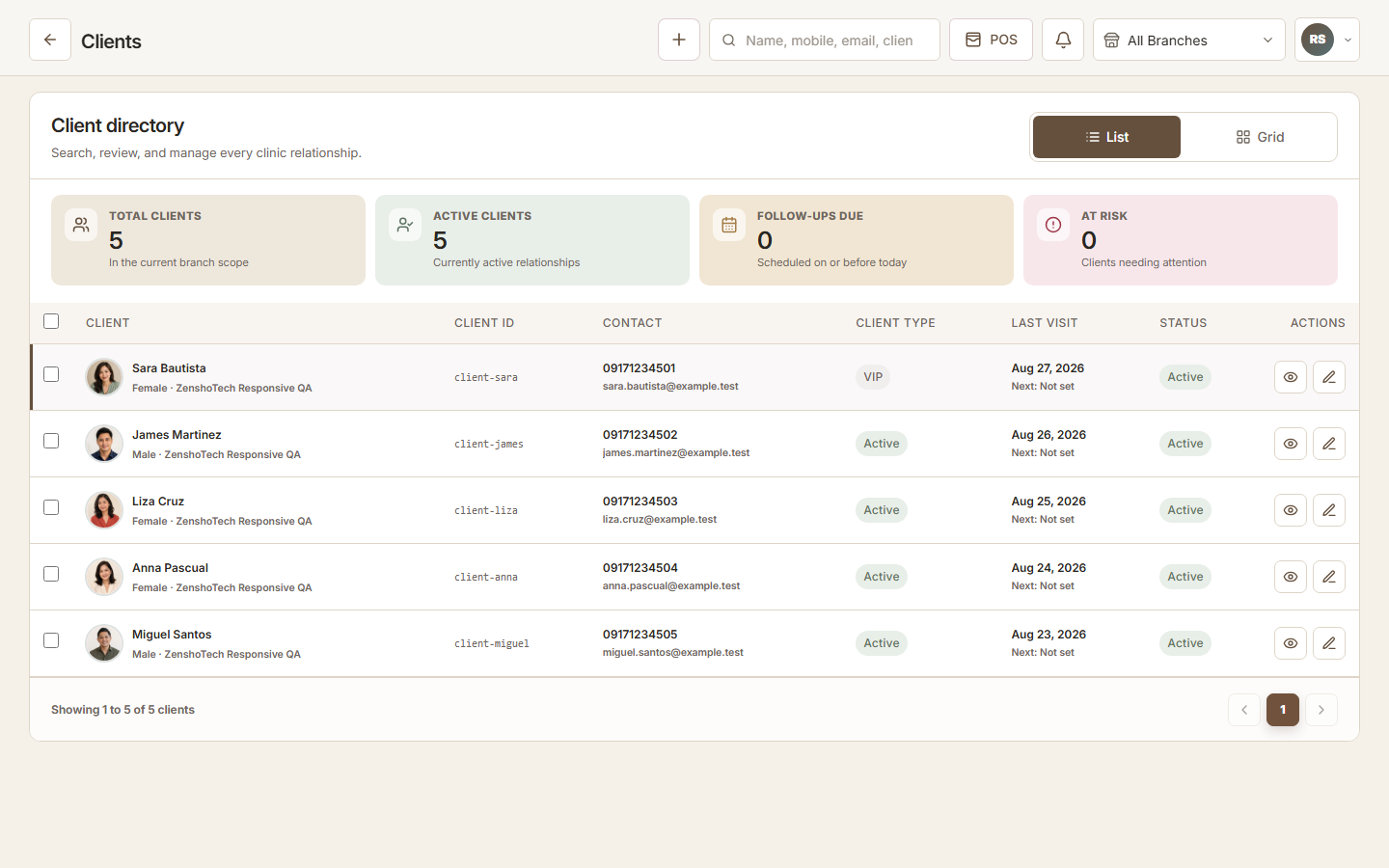
A useful customer database helps the next authorized staff member understand the relationship and take an appropriate action. It is not a collection contest. Quality, purpose, access, and maintenance matter more than the number of names.
Choose a purpose for every field
Start with contact, identity, source, relationship status, relevant preferences, and next-action information. Add a field only when someone can explain why it is needed, who uses it, and how it stays current.
Separate operational preferences from marketing permission. A purchase or booking does not automatically answer every communication question.
- Name and reliable contact channel
- Source
- Customer or lead status
- Assigned owner when needed
- Relevant visit or purchase context
- Communication choices
- Last reviewed date
Prevent duplicate profiles
Duplicates fragment history and make the same person appear to be several customers. Normalize phone and email formats, search before creating, and give authorized staff a safe merge process.
Do not merge on name alone. Common names and shared family contact details create false matches.
| Control | Why it helps |
|---|---|
| Search before create | Catches obvious existing profiles |
| Normalize contact formats | Improves matching |
| Use stable internal ID | Avoids name-only identity |
| Review likely duplicates | Keeps human judgment |
| Retain merge history | Supports accountability |
Migrate carefully
Export source files, keep an untouched backup, map columns, remove obsolete rows, standardize formats, and import into a test environment. Reconcile record counts and sample important profiles before launch.
Historical data should be retained only when it has a valid business purpose and appropriate controls. Seek qualified advice for privacy and retention obligations.
Practical checklist
- Identify authoritative source
- Back up original
- Clean and deduplicate
- Map consent carefully
- Test import
- Sample records
- Restrict access
Maintain the database
Assign ownership for data quality. Review bounced contacts, incomplete profiles, duplicates, unowned leads, and stale next actions. Make corrections through the system rather than exporting a second uncontrolled master file.
Train staff to capture enough context without writing subjective or inappropriate notes.
ZenshoTech customer records
ZenshoTech connects customer profiles with permitted appointment, transaction, package, note, preference, lead, and follow-up activity.
Role and branch access should be configured before importing real customer information.
Frequently asked questions
Which customer fields are essential?
Reliable contact, source or relationship context, appropriate status, owner or next step where needed, and documented communication choices.
How often should duplicates be reviewed?
At a frequency suited to record volume; high-growth teams may review weekly.
Should we import every old contact?
Only information with a valid purpose, adequate quality, and appropriate retention basis should move into the live system.