Salon
How a Salon POS System Can Simplify Daily Operations
See how salon POS connects appointments, walk-ins, services, products, clients, inventory, commissions and daily reporting.
By ZenshoTech Team · Published · Updated
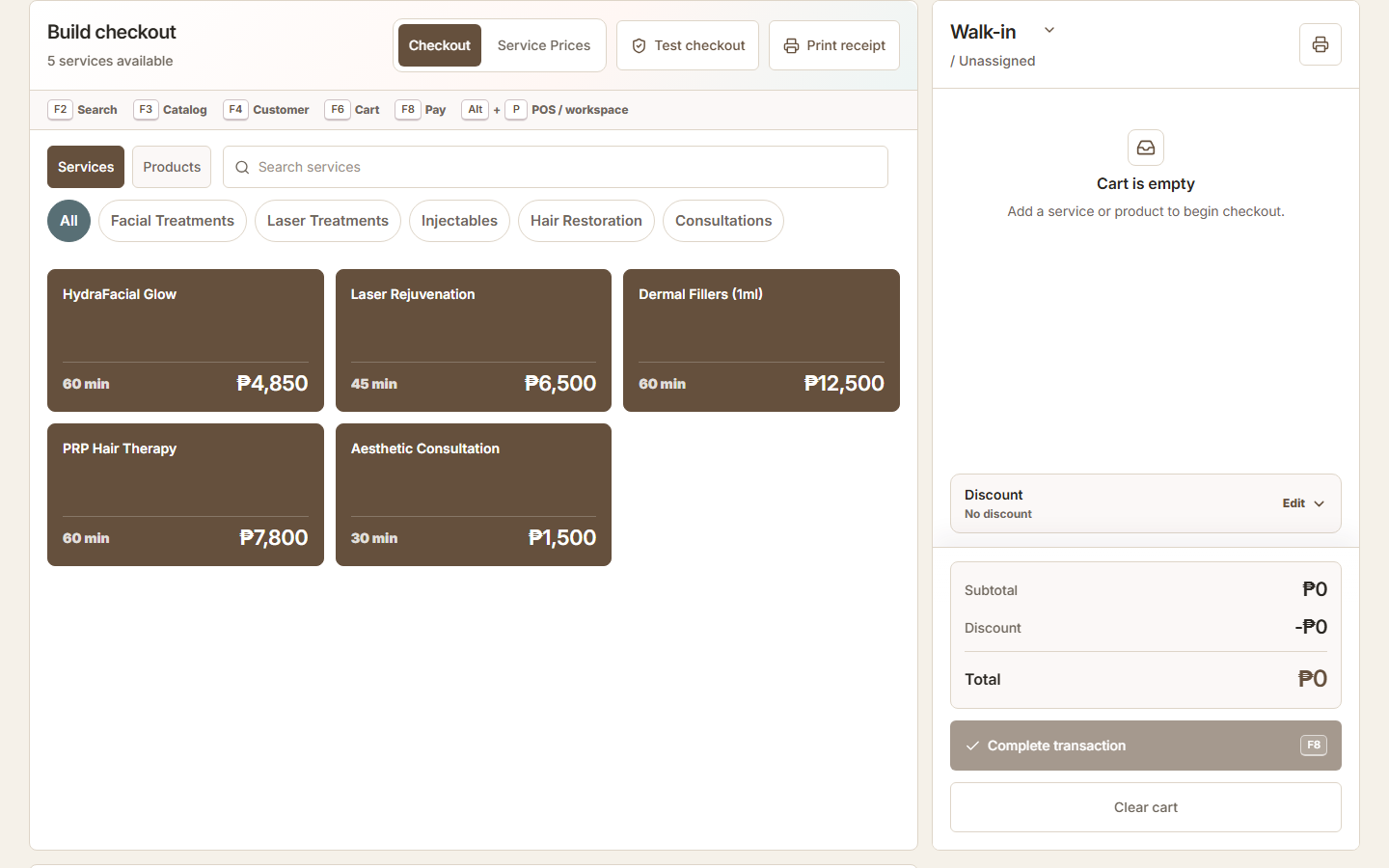
A salon POS should do more than total the bill. The useful version connects the person, appointment or walk-in, services, stylist attribution, packages, retail products, stock movement, and end-of-day records.
Before checkout
A connected workflow can begin with the booking and customer record, reducing re-entry at the counter. For walk-ins, staff still need a fast path that does not require fake personal details.
Keep the catalog clean: standard service names, current prices, product variants, and rules for discounts or manual changes.
- Find the booking or choose walk-in
- Confirm client when relevant
- Select the correct branch
- Review services delivered
- Add approved products or packages
During the sale
Staff should see a clear basket and understand who can change prices or apply discounts. Service and product attribution should follow the business's commission and reporting process.
Test corrections. A wrong item, cancelled payment, or changed service should be fixed without hiding the original activity or corrupting inventory.
| Action | Operational result |
|---|---|
| Add service | Revenue and staff/service context |
| Add retail product | Sale plus inventory movement |
| Apply discount | Authorized adjustment remains visible |
| Attach customer | Purchase joins relationship history |
| Complete tender | Consistent transaction record |
After checkout
Connected records can support inventory review, client context, service and product reporting, and approved commission workflows. Managers spend less time matching a booking list to a cash total and stock sheet.
The system still needs daily review. Incomplete transactions, unusual discounts, adjustments, and payment differences should have an owner.
Practical checklist
- Review incomplete sales
- Review discounts and corrections
- Confirm stock exceptions
- Reconcile payment records
- Check staff attribution
- Protect exports and reports
Common implementation mistakes
Do not import an unclean catalog, give everyone manager permissions, or train only the owner. Avoid changing service names every week because historical comparisons become difficult.
Run realistic peak-hour scenarios before launch. Speed and tap targets matter at the front desk, particularly on smaller screens.
ZenshoTech salon POS
ZenshoTech connects configured services, products, packages, customers, POS, inventory, branches, appointments, and reports. Supported commission workflows can use recorded activity.
Confirm the exact receipt, tender, tax, accreditation, and accounting requirements for your Philippine business with qualified advisers and relevant authorities.
Frequently asked questions
Can a salon POS handle walk-ins?
It should. ZenshoTech supports an appropriate walk-in checkout alongside customer-aware sales.
Should discounts require permission?
Sensitive changes should be limited or reviewed according to the business's control policy.
Does POS replace accounting?
No. POS records operational sales; formal accounting and tax responsibilities require their own reviewed process.