Business Management
How POS, Inventory and Customer Management Work Together
Follow the data flow from customer and checkout to inventory movement, reporting and responsible follow-up.
By ZenshoTech Team · Published · Updated
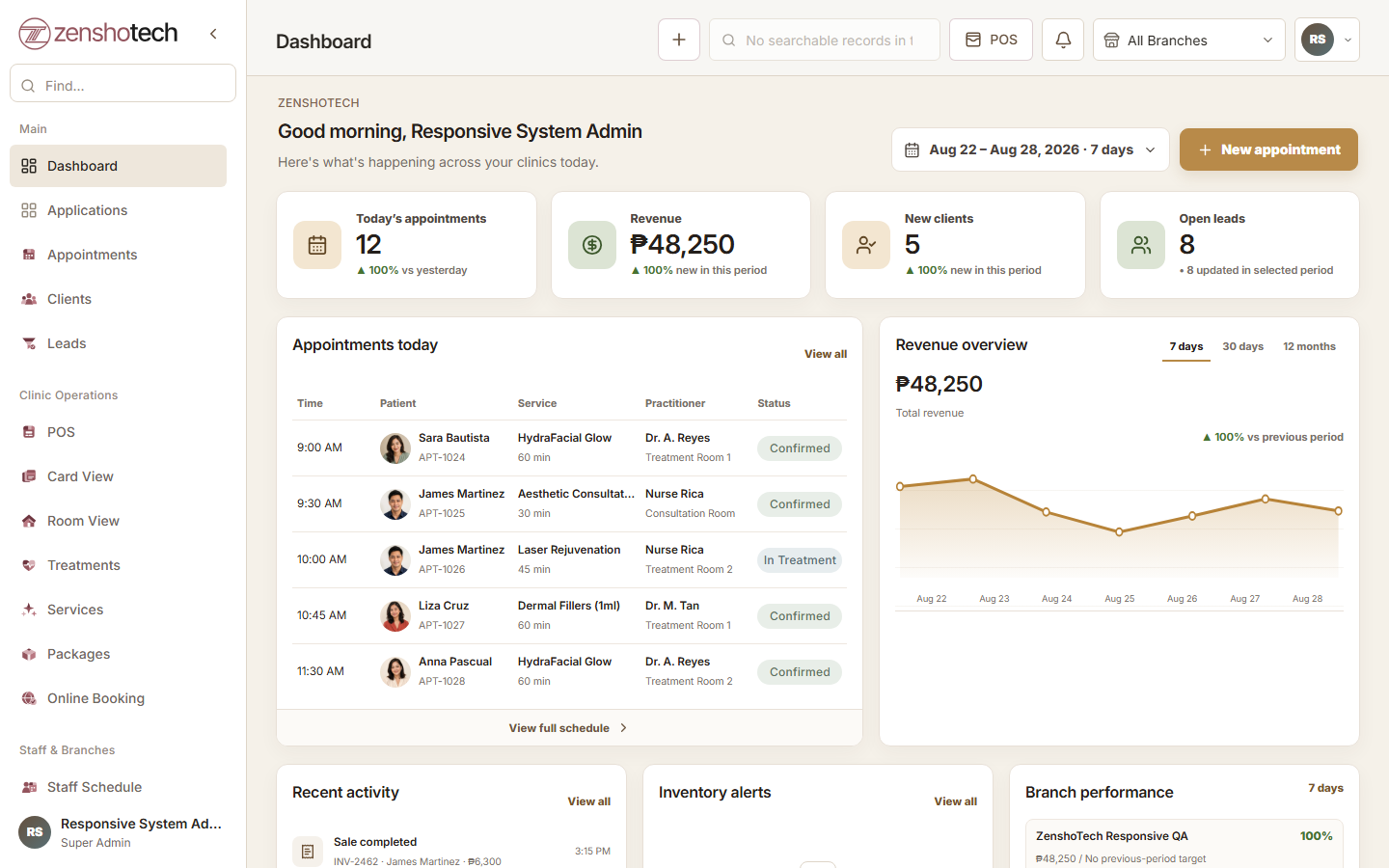
POS, inventory, and customer management answer different questions. POS records the transaction. Inventory explains physical quantity changes. CRM preserves relationship context and next actions. Their value increases when a single event updates the right records without uncontrolled duplication.
Follow one transaction
A known customer buys a service and a retail product. The POS records the basket, branch, authorized adjustment, staff context, and tender. The product creates an inventory-aware movement. The customer profile retains appropriate purchase or visit context.
A walk-in can still complete checkout without forcing false details. Data quality improves when the system collects only what the workflow needs.
- Customer or appropriate walk-in
- Configured service and product
- Correct branch
- Authorized discount
- Completed transaction
- Product movement
- Relationship history
Decide the source of truth
The product catalog should have one authoritative definition, inventory movements should explain quantities, and the customer record should use a stable identifier. Exports can support analysis but should not become a competing master file.
Corrections must flow through approved workflows so all three areas remain consistent.
| Record | Source of truth |
|---|---|
| Customer identity | Customer database |
| Sale | Completed POS transaction |
| Product definition | Configured catalog |
| Stock quantity | Opening balance plus movements |
| Follow-up | Owned CRM activity |
| Branch performance | Consistently scoped reports |
Use data responsibly
A purchase can inform service but does not automatically grant marketing permission. Restrict customer and transaction access, document communication choices, and avoid exporting uncontrolled audience lists.
Report on the minimum information needed for the decision. Staff do not need every customer's profile to understand total product movement.
Practical checklist
- Use individual accounts
- Limit branch and application access
- Review exports
- Separate service and marketing purposes
- Merge duplicates carefully
- Retain correction history
Investigate exceptions
Review sales without stock movement, negative quantities, duplicate customers, unusual discounts, and transactions assigned to the wrong branch. Connected systems make these questions easier to trace but do not eliminate human error.
Assign each exception type to a role and review it at a practical frequency.
ZenshoTech integration
ZenshoTech connects customer profiles, POS, configured products and services, inventory-aware sales, branches, appointments, marketing workflows, and reports.
Test a normal sale, walk-in, correction, service-plus-product basket, and customer follow-up during evaluation.
Frequently asked questions
Does every POS sale need a customer?
No. Support an appropriate walk-in path while attaching known customers when relationship context matters.
Can purchase history be used for any marketing?
No. Businesses must follow appropriate purpose, notice, consent, security, and communication practices.
What if inventory does not match POS sales?
Inspect configuration, cancellations, manual adjustments, receiving, unrecorded use, and physical counts.