Appointments
Appointment Booking Systems: Manual Booking vs Online Booking
Compare manual and online appointment booking across convenience, control, resources, data quality, mobile usability and operating risk.
By ZenshoTech Team · Published · Updated
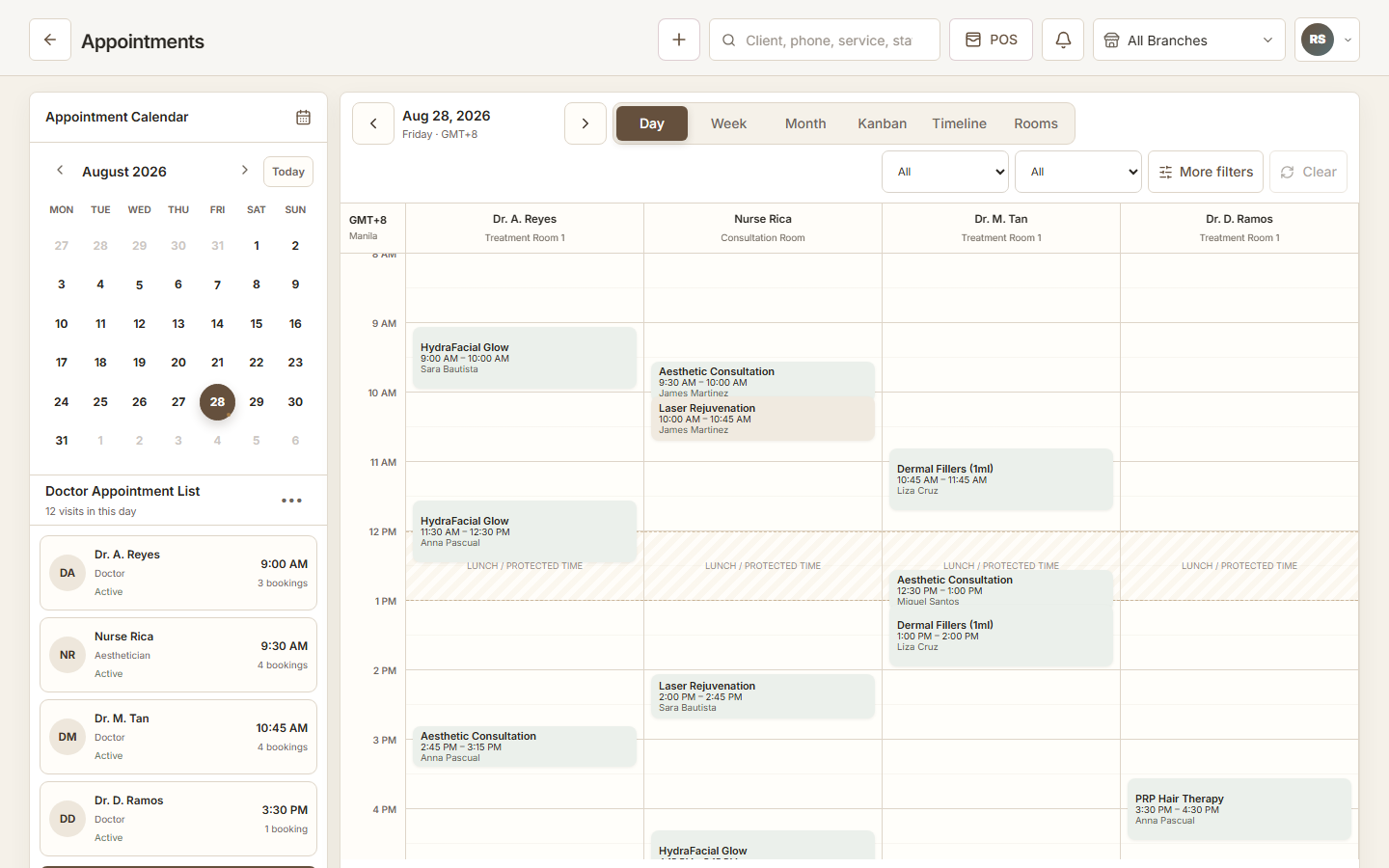
Manual booking offers human judgment; online booking offers customer convenience and availability outside business hours. Most appointment businesses need a thoughtful combination rather than an all-or-nothing choice.
Where manual booking works
Staff-assisted booking is useful for complex services, qualification, group requests, special equipment, uncertain duration, and customers who prefer to call or message. A trained person can ask clarifying questions.
Its weakness is availability and consistency. Requests wait while staff are busy, and information may be copied from chat into a separate calendar.
- High-complexity service
- Consultation required
- Multiple coordinated resources
- Customer needs guidance
- Exception or accessibility need
Where online booking works
Online booking handles clear, configurable services well. Customers can choose from valid availability without waiting for a reply, particularly on mobile and outside office hours.
It requires accurate duration, staff, room, branch, and service rules. Publishing incomplete availability simply moves the problem from the inbox into the calendar.
| Factor | Manual | Online |
|---|---|---|
| Availability | During staffed hours | Potentially anytime |
| Complex judgment | Strong | Limited to configured rules |
| Data consistency | Depends on staff entry | Uses required fields |
| Customer effort | Conversation may take time | Self-service when clear |
| Resource control | Relies on staff checking | Relies on correct configuration |
Create a hybrid policy
Decide which services are instantly bookable, request-only, or staff-assisted. Send all confirmed activity into one calendar. Publish a clear path for changing or cancelling a booking.
Train staff not to promise a time from a private calendar. The shared system must remain the source of truth.
Practical checklist
- Classify services
- Configure durations and buffers
- Map staff and rooms
- Test each branch
- Set confirmation process
- Handle reschedules
- Document outage fallback
Measure the full outcome
Compare time to confirm, completion rate, abandonment, staff handling time, double bookings, cancellations, no-shows, and customer feedback. A higher booking count is not positive if the schedule becomes unserviceable.
Review mobile performance and form errors because many Philippine customers will book on phones and variable connections.
ZenshoTech scheduling
ZenshoTech supports customer-facing booking and staff-managed appointments connected to services, staff, rooms, branches, customers, POS, and reports.
Use both customer and front-desk test accounts to verify the full handoff.
Frequently asked questions
Is online booking always better?
No. It is best for services with clear rules; complex cases may need staff assistance.
Should manual and online bookings use one calendar?
Yes, to avoid conflicting availability and duplicate re-entry.
What is the biggest configuration risk?
Offering a time without accounting for the required service duration, staff, room, buffer, or branch.