Appointments
How Online Booking Can Help Salons and Spas Get More Appointments
Learn how online booking reduces friction, what it cannot guarantee, and how to configure services, availability and follow-up responsibly.
By ZenshoTech Team · Published · Updated
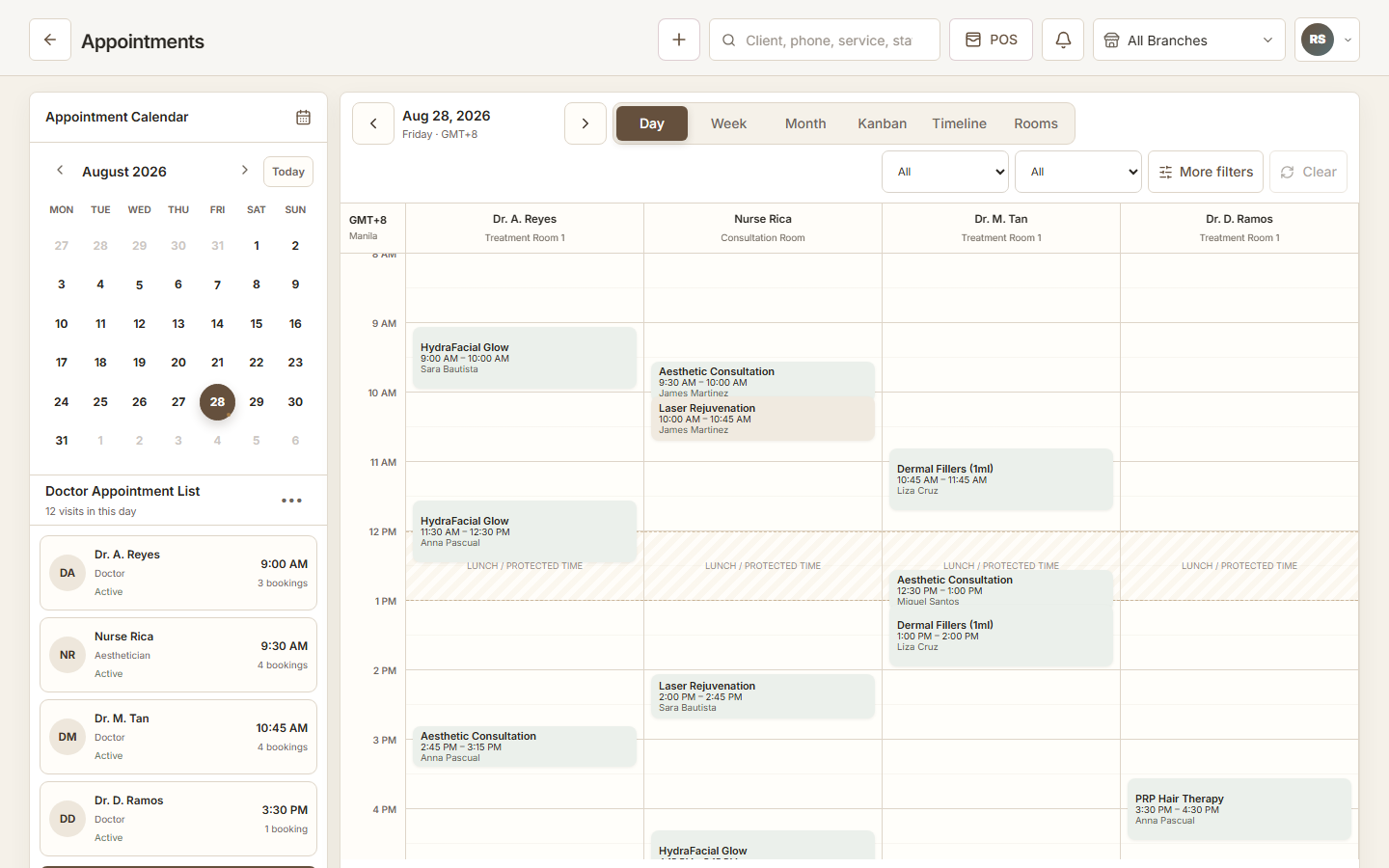
Online booking makes it easier for an interested customer to act when the business is closed or the front desk is busy. It can increase the share of demand that becomes a booking, but it cannot create demand or fix an inaccurate schedule by itself.
Where booking friction occurs
A customer sees a social post, checks the service, sends a message, waits for availability, exchanges several replies, and may lose interest. A clear online path can shorten that sequence.
The business still needs understandable service names, current duration, accurate availability, location details, and a process for requests that need consultation.
- Mobile-friendly booking path
- Clear service and branch selection
- Accurate available times
- Minimum necessary customer details
- Confirmation and change instructions
Configure availability honestly
Do not publish every apparent gap. Consider therapist capability, rooms, cleanup time, breaks, business hours, branch travel, and services that should not be self-booked.
Keep manual and online bookings in the same operational calendar. Two sources of availability create double-booking risk.
| Configuration | Failure if ignored |
|---|---|
| Duration | Appointments overlap |
| Staff skill | Wrong provider is offered |
| Room | Resource is double-booked |
| Buffer | Turnover or travel time disappears |
| Branch | Customer books the wrong location |
Improve conversion without dark patterns
Use short forms, plain cancellation or change instructions, and tap-friendly mobile controls. Show only information customers need to decide. Avoid false urgency or preselected marketing consent.
Measure booking starts, completed bookings, abandonment, cancellations, and no-shows together. More submissions are not useful if operations cannot serve them.
Practical checklist
- Test on an affordable Android phone
- Check slow connection behavior
- Use readable service descriptions
- Confirm error messages
- Make contact alternatives visible
- Respect communication choices
Connect the next steps
A booking is more valuable when it enters the shared calendar, customer context, status workflow, and appropriate follow-up. Staff should not retype every web booking into a second tool.
After service, the same relationship can support checkout, rebooking, packages, and consent-aware marketing without treating every customer as a campaign target.
ZenshoTech online booking
ZenshoTech supports customer-facing booking based on configured services and scheduling rules, connected with customers, staff, rooms, branches, POS, and reports.
Run a full mobile test from booking discovery through front-desk handling before promoting the link publicly.
Frequently asked questions
Does online booking guarantee more appointments?
No. It reduces friction; demand, reputation, offer, availability, price, and execution still influence results.
Should every service be bookable online?
No. Services requiring qualification, consultation, or special resources may need a request or staff-assisted path.
What should salons test on mobile?
Service choice, branch, staff or time selection, form fields, errors, confirmation, and change instructions.